 Guard Lock
Find out when someone gets into your Mac.
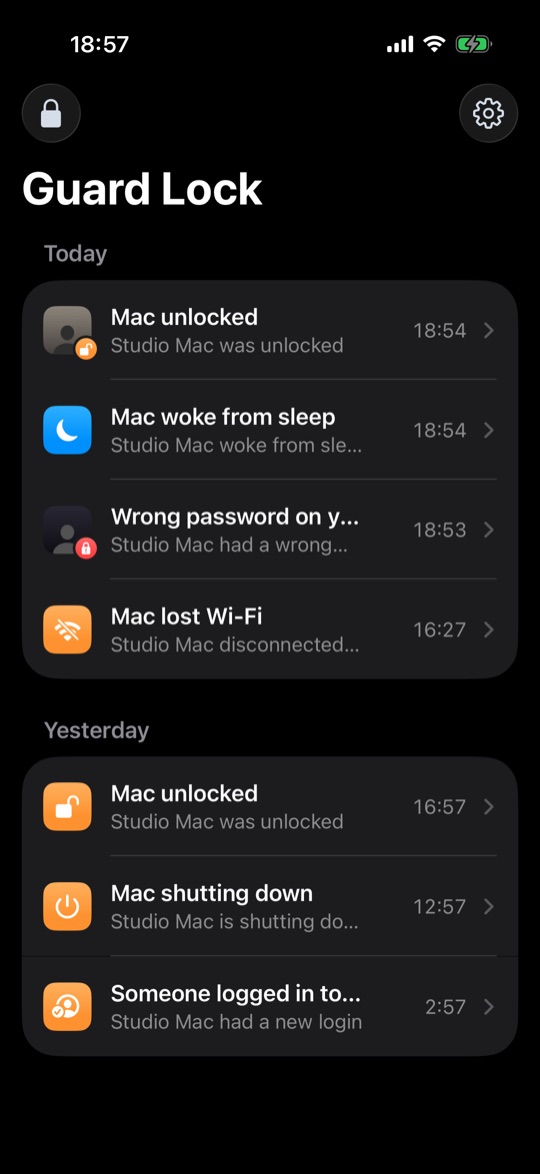
Guard Lock pings your iPhone whenever your Mac is unlocked, woken up or gets a wrong password. It can show you who was sitting there, and you can lock the Mac from your phone.
Download for Mac iPhone app (free), coming soon Buy a license for $1.99
The Mac app is free for 7 days, then $1.99 once, no subscription. Needs macOS 13 or later and iOS 17 or later.
What you get
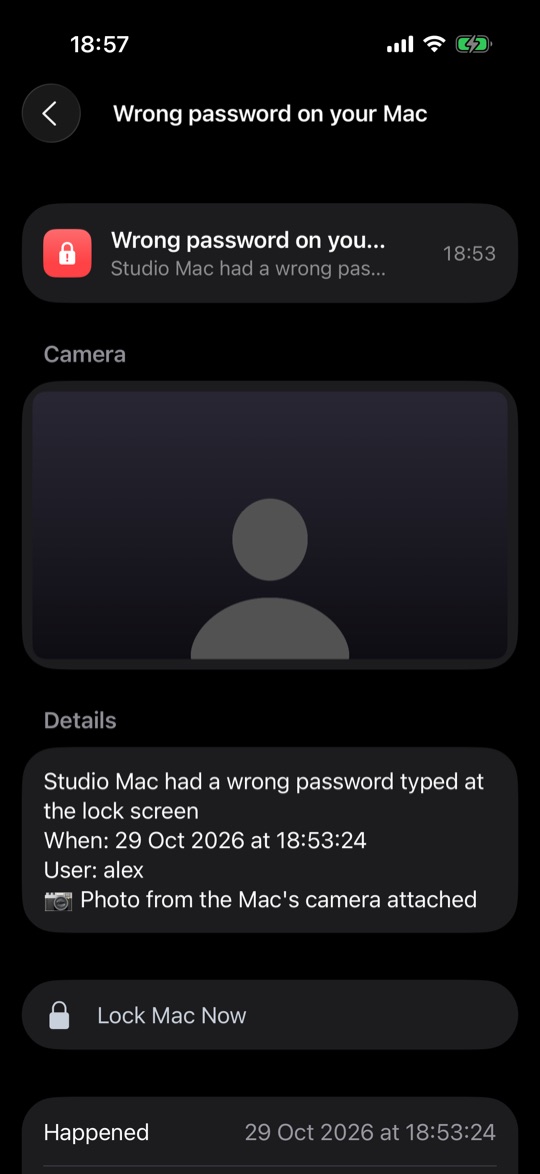
An alert on your iPhone a few seconds after your Mac is unlocked, woken, logged in to or shut down, or after someone types the wrong password. If you turn it on, a wrong password also takes a photo with the Mac's camera and sends it along.
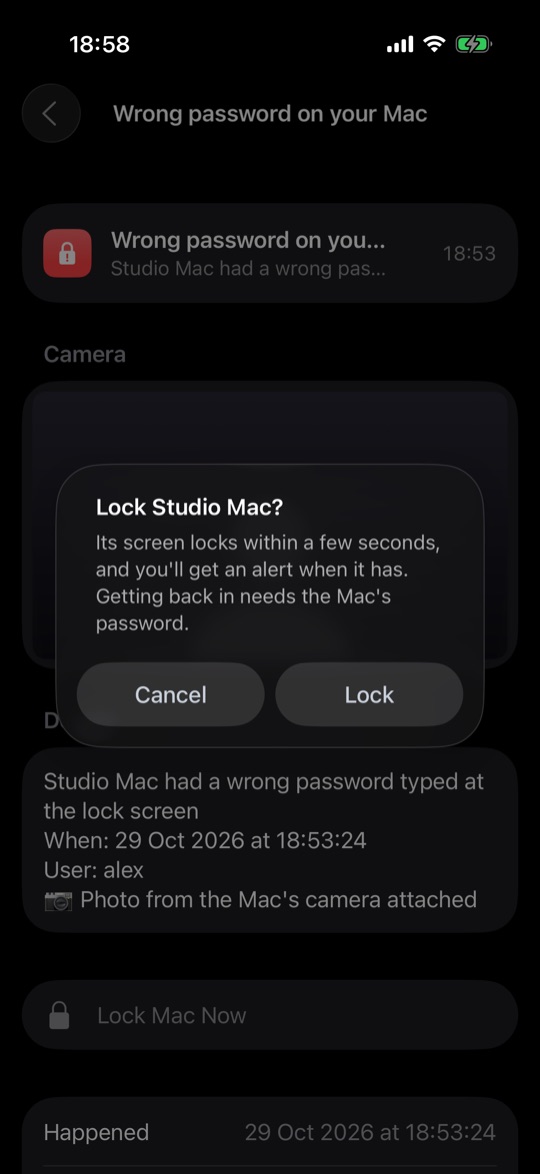
Every alert has a Lock Mac button. You confirm with Face ID and the Mac locks in about a second.
Alerts are encrypted end to end and travel through your own iCloud, so nobody else can read them. Me included.
Setting it up
- Put Guard Lock on your Mac. It lives in the menu bar and barely touches memory or battery.
- Get the free iPhone app and scan the code the Mac shows you. That pairs them.
From then on your phone hears about every unlock, wherever you are. Both devices have to be signed in to the same Apple Account with iCloud on.