 gabagoolOS
For the HiBy R1 · version 1.2
Your R1, the way it should have been.
gabagoolOS is new software for the HiBy R1. It’s fast, it’s pretty, and it’s full of things you’ll actually use. It runs from your SD card, so the original is always one button away.
Line up what’s next.
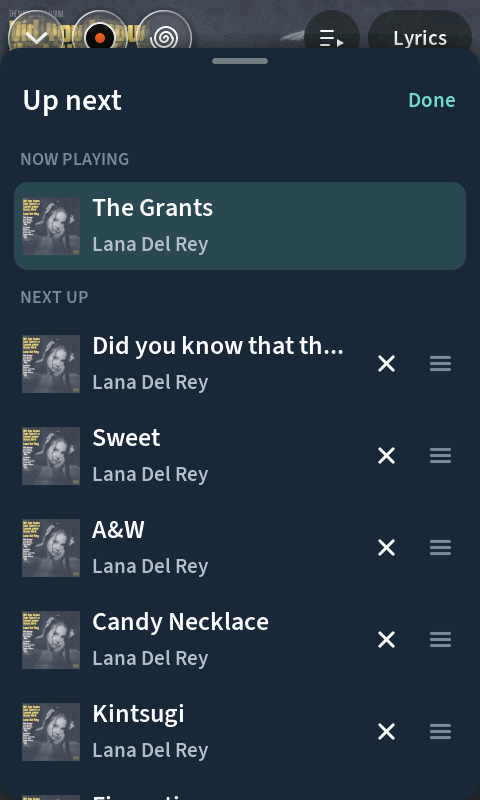
Add a song, an album or a whole playlist to the queue, then drag to reorder or swipe to drop one.
Up Next is always one tap away, right from Now Playing.
Songs that melt together.
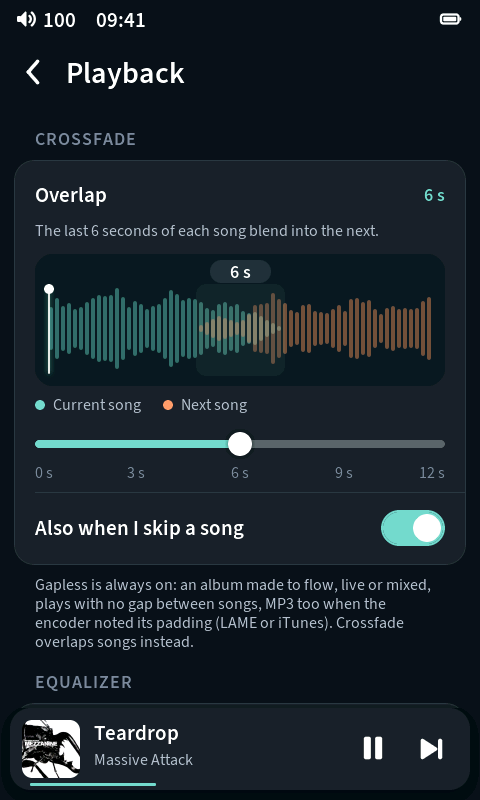
Crossfade blends the end of one song into the start of the next, from a quick overlap to twelve seconds. Watch the two waves meet as you set it.
Turn it on for skips too, and even jumping ahead fades smoothly. Albums made to flow still play with no gap.
Turn it sideways.
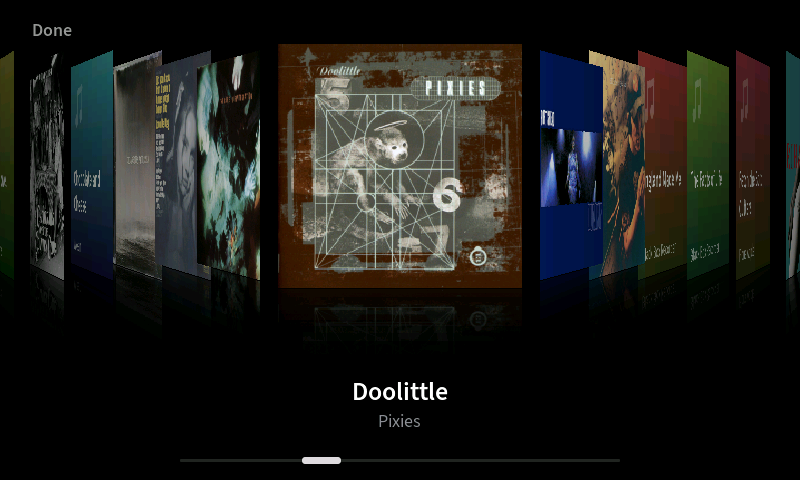
Cover Flow fills the screen with your albums. Flick through the sleeves, tap one and it plays.
Prefer it upright? There’s a vertical one too.
Games, built in.
Chess against the player or a friend, Snake, 2048, Sudoku, a music quiz and a tiny pet to look after. Bring your own Game Boy games and Doom too.
Not your thing? Hide them all with one tap. They never run unless you open them.
Fast. Really fast.
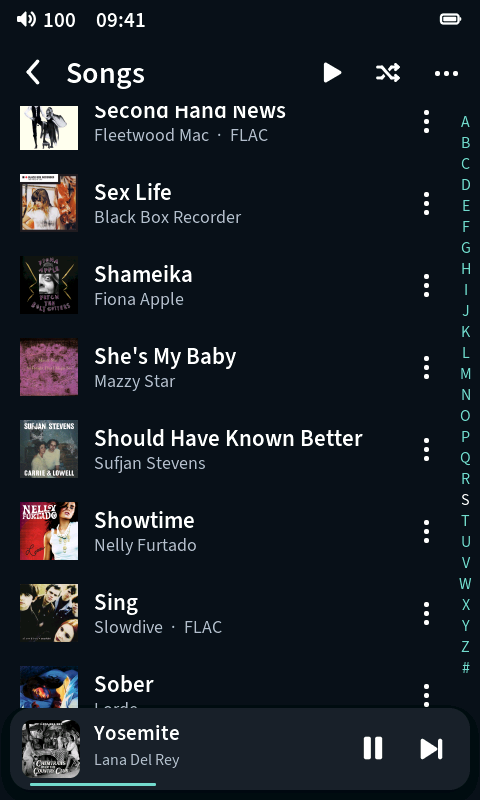
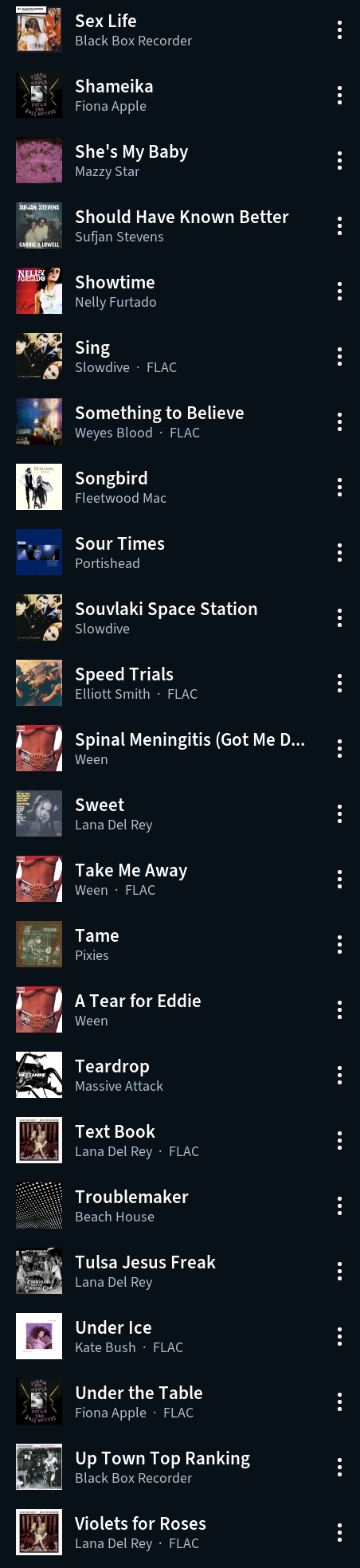
Scroll through tens of thousands of songs without a stutter. Jump to any letter with the A to Z bar on the side.
And it sorts the way you’d expect: “The Beatles” sits with the Bs, and track 9 comes before track 10.
Make it yours.
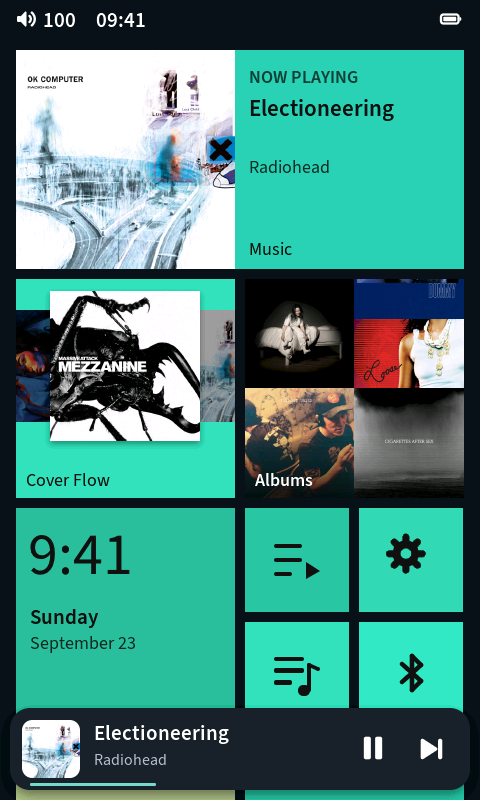
Pick a home screen: colourful tiles, tidy cards or a simple list. Go light or dark, then choose any colour you like.
Flip through your albums with Cover Flow, and watch album pages take on the colours of their cover.
It learns what you like.
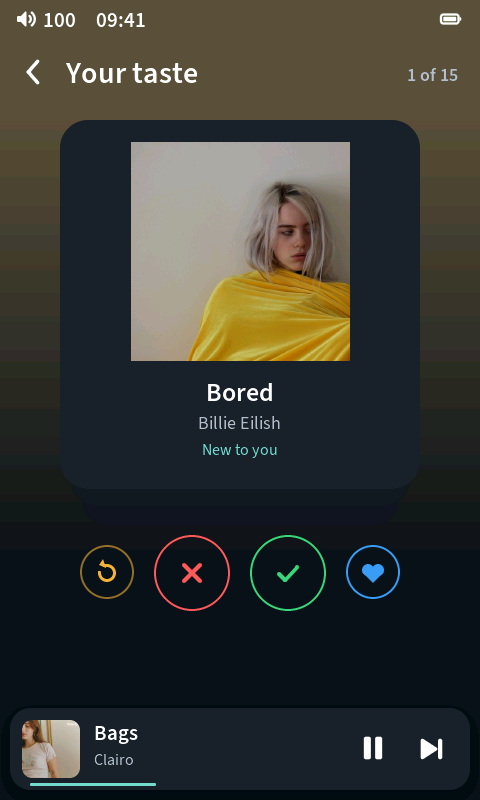
Swipe through songs like a dating app. Keep the ones you love, skip the rest.
The more you swipe, the better it knows you. Then it makes you a mix: songs you loved, plus ones it thinks you will.
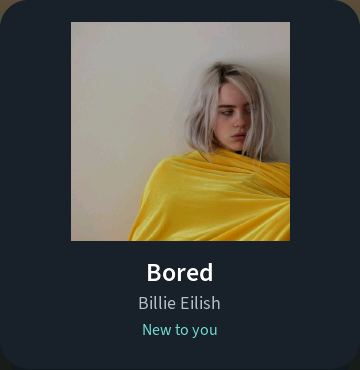
Sing along.
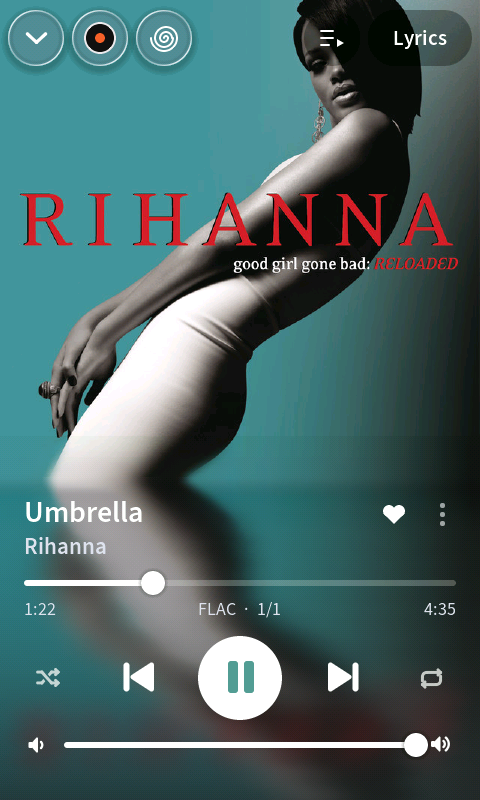
Lyrics light up line by line as the song plays, right over the album art.
They come from your own files, or gabagoolOS finds them for you over Wi‑Fi.
Sounds the way you want.
Shape the sound with a real 10-band equalizer.
Or skip the fiddling: pick your headphones from a list and get a preset made for them, in one tap.
More than your music.
Thousands of radio stations. Any podcast. Audiobooks that remember exactly where you stopped, and e-books for when you’d rather read.
Got a music server at home? It plays from that too.
No cables needed.
Bluetooth headphones and speakers, AirPlay, and sending music from your computer over Wi‑Fi.
Your phone even works as a remote. It pairs with a code, so only your phone can.
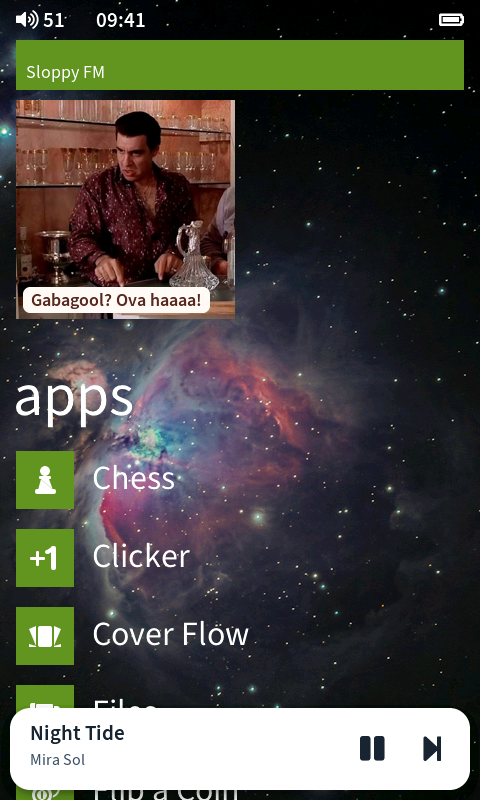
Gabagool? Ova haaaa!
Every home screen comes with one tile you didn’t order. Tap it. You’ll see.
Not in the mood? Hide it like any other tile. Nobody’s offended. Much.
Worry-free.
- Your music is safe. gabagoolOS lives on your SD card and never changes your files.
- The original is one button away. Hold Volume Down when you turn the R1 on.
- No tracking. No accounts, no ads, nothing sent anywhere unless you ask for it.
Install it in about ten minutes.
Download
Get the gabagoolOS zip and the boot menu file (
.upt) from the latest release.Copy them to your card
Unzip the zip onto your card. Put the
.uptfile there too, and rename itr1.upt.Press install
On the R1, go to System > Firmware update > Via SD card. That’s it! From now on it updates itself over Wi‑Fi.
Back up your card first, just in case. Stuck? The release has a longer guide. Changed your mind later? Going back is easy.
Questions
Is it Rockbox?
Under the hood, yes! Rockbox has powered music players for over twenty years and handles the playback. gabagoolOS is the brand new touch interface on top, made for the R1.
Was AI used to help build this?
Yes. We test it a lot: every screen, in every language and text size, plus thousands of random taps hunting for crashes. And the code is open for anyone to read.
Is it safe?
As safe as these things get. gabagoolOS lives on your SD card and doesn’t mess with the R1’s built-in software. The boot menu is HiBy’s own update with a small menu added, installed by HiBy’s own updater. And you can always go back. Just keep HiBy’s firmware file somewhere safe, like with any update.
How do I go back to the original?
Copy HiBy’s own firmware to your card as r1.upt, hold Volume Down while you turn the R1 on, and run the update from the HiBy menu. Delete the .rockbox folder if you want the space back. No hard feelings.
Which players does it work on?
Just the HiBy R1 for now. Everything is made for its screen and buttons.
My R1 is brand new. Will Wi‑Fi work?
The newest R1s have a different Wi‑Fi chip we haven’t tried yet. It should work, and music plays either way, but please tell us how it goes!
Does it phone home?
Nope. No tracking, no accounts, no ads. It only goes online when you turn on Wi‑Fi and use something that needs the internet, like lyrics, radio, podcasts or album covers. The full list is in NOTICE.md.
Why “gabagool”?
It’s how they say “capicola” in The Sopranos. Find the house special tile on your home screen and give it a tap. Ova haaaa!
Something broke. Now what?
Sorry about that! Tell us on GitHub, and attach the log file from your card (.rockbox/sloppy/sloppy.log). It helps a lot.
Ready when you are.
Version 1.2, “Capicola”.
Download gabagoolOSRelease notes and the full guide · Source code · r/GabagoolOS